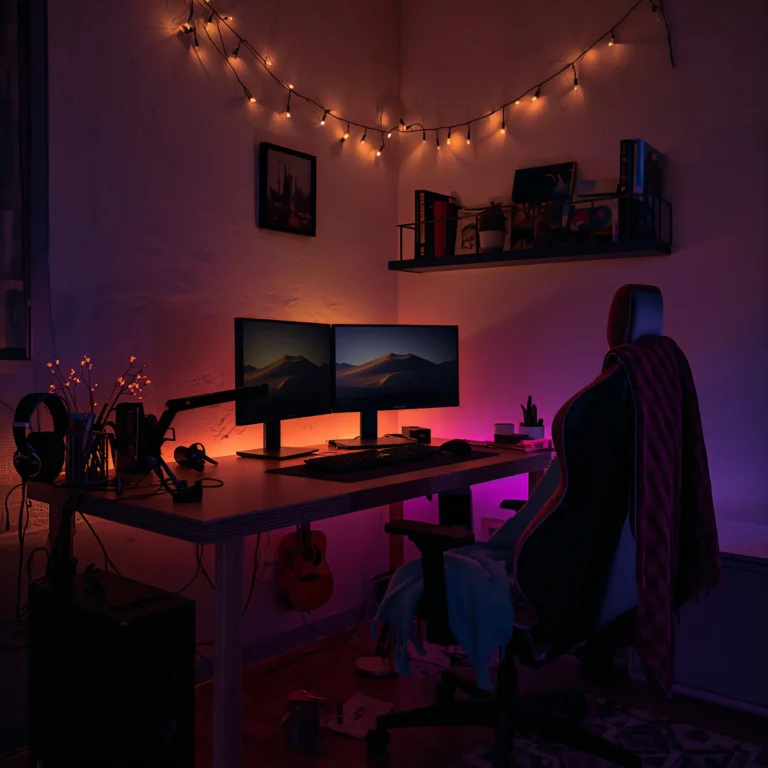
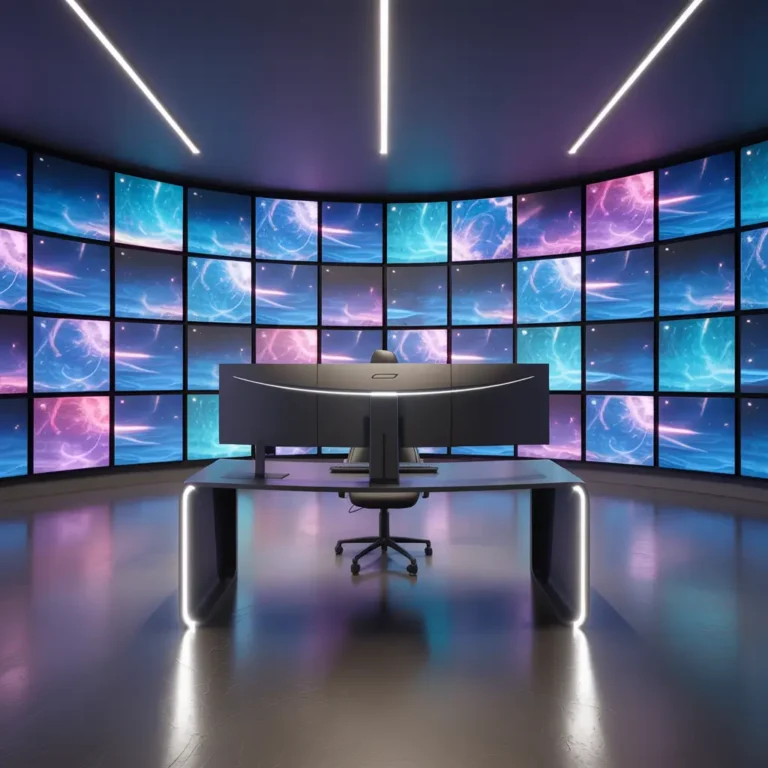
10 Modern Game Room Design Ideas for Aesthetic Gamer Rooms

Picture this: you walk into your game room, and instead of feeling like you’re entering a cluttered tech graveyard, you’re stepping into your personal gaming paradise. Sounds pretty sweet, right?
Look, I’ve seen enough tragic gaming setups to know that most people just throw their console on a TV stand and call it a day.
But here’s the thing – your gaming space should actually inspire you to game, not make you want to hide under a blanket.
After years of tweaking my own setup and helping friends transform their gaming disasters, I’ve collected some seriously game-changing ideas that’ll make your space the envy of every gamer who walks through your door.
Whether you’re working with a massive basement or a corner of your bedroom, these design ideas will help you create something that’s both functional and absolutely stunning. Let’s jump into it!
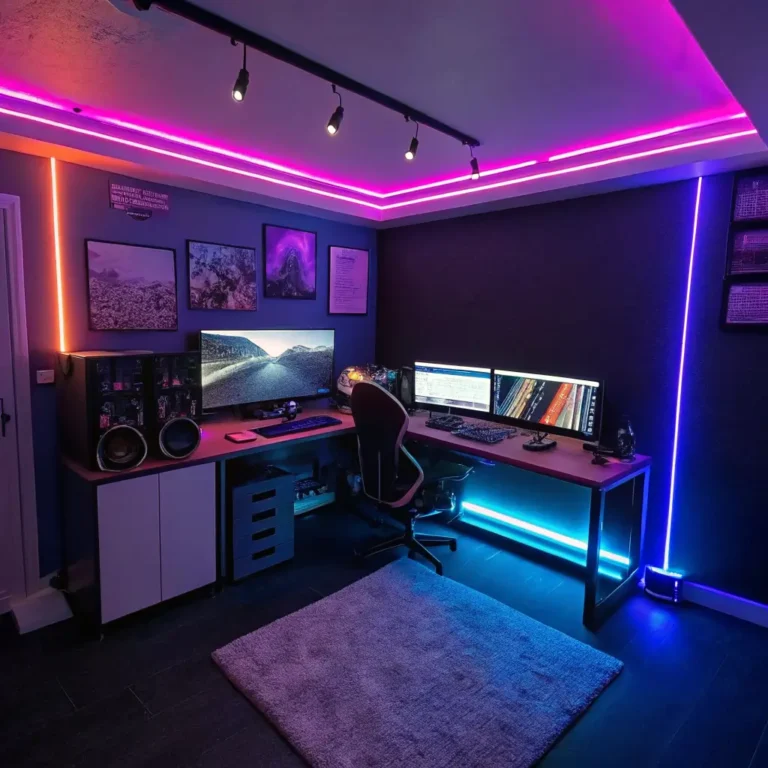
1. Neon RGB Minimal Gaming Setup
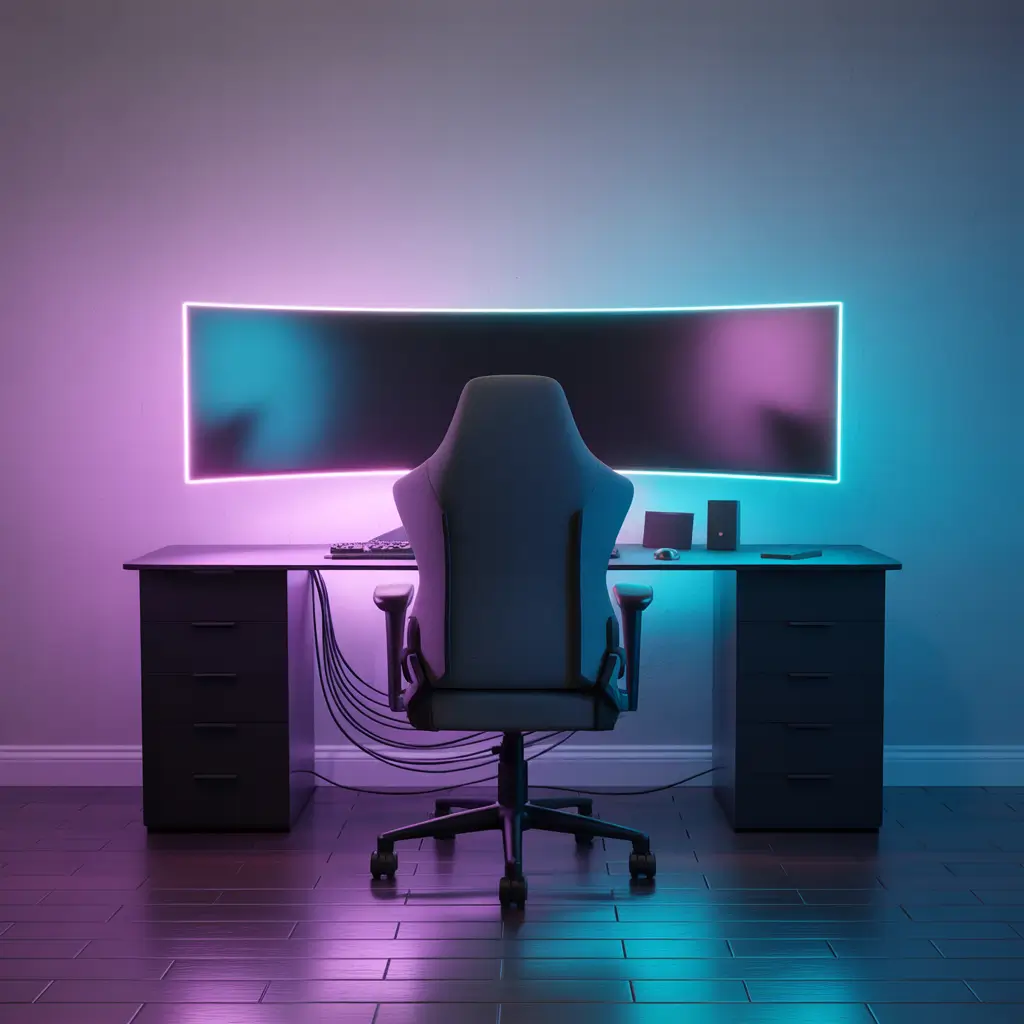
The Art of Controlled Chaos
Here’s what I love about RGB minimal setups – they look like they belong in a sci-fi movie, but they’re surprisingly easy to achieve. The secret sauce? Restraint. I know, I know, when you first discover RGB lighting, your instinct is to make everything glow like a rainbow threw up in your room. Trust me, I’ve been there.
The minimal approach focuses on clean lines and strategic lighting placement. Start with a sleek black desk – nothing fancy, just something without a million drawers and compartments. Mount your monitor on an arm to free up desk space, and here’s where the magic happens: place LED strips behind your monitor and along the desk edges.
Key elements for this setup:
- Single ultrawide monitor or dual monitors with minimal bezels
- Wireless peripherals to eliminate cable clutter
- Strategic RGB placement (behind monitor, under desk, accent lighting only)
- Neutral color palette with pops of programmable color
The beauty of this design is that you can adjust the mood with your lighting. Gaming session? Deep blues and purples. Working? Warm whites. Feeling dramatic? Red accents that make you feel like a gaming villain 🙂
One thing I learned the hard way – invest in quality RGB strips with proper diffusion. Those cheap ones from random online sellers will leave you with visible hotspots and colors that look more “disco ball” than “cyberpunk aesthetic.”
2. Small Bedroom Gaming Corner Design
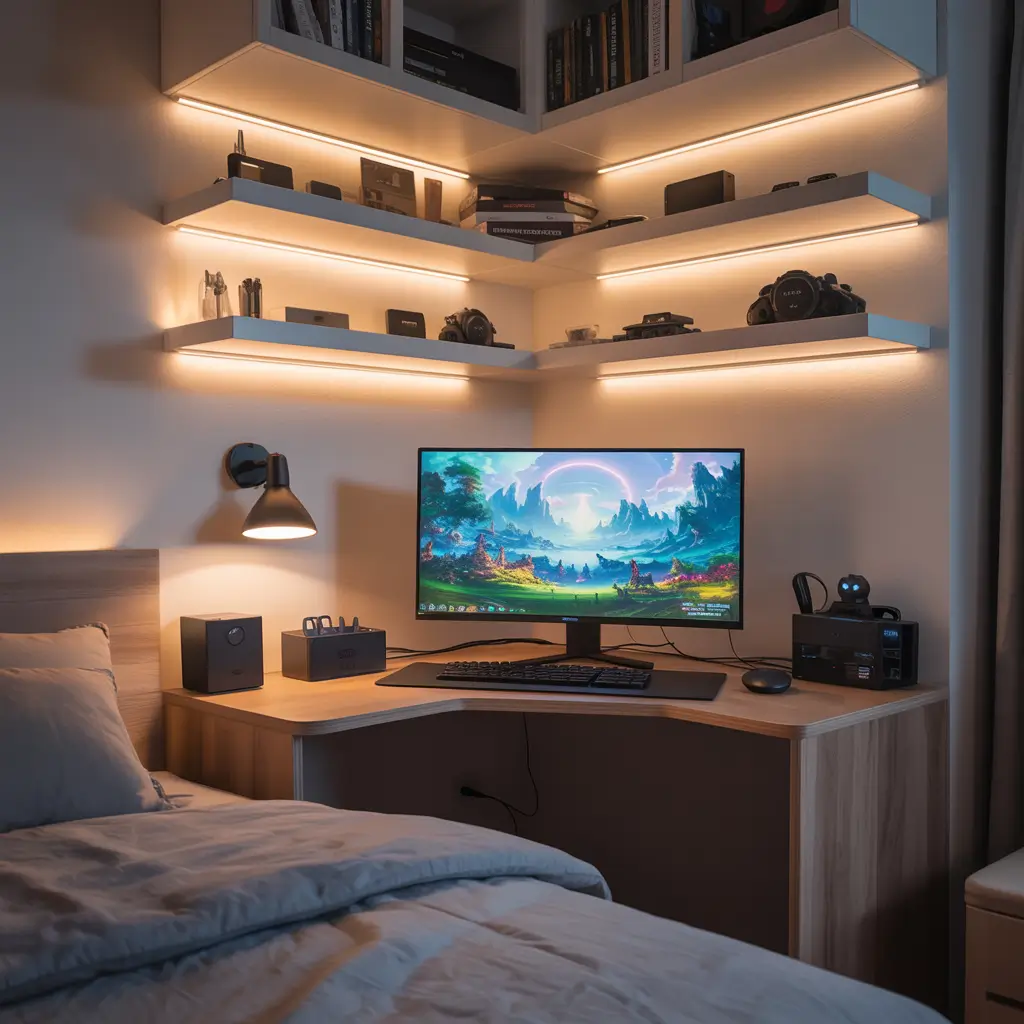
Making Every Square Inch Count
Small bedrooms and gaming setups can be best friends if you know how to play your cards right. I spent two years in a tiny apartment where my bedroom doubled as my office, gaming den, and general life headquarters. The trick isn’t cramming everything in – it’s about smart spatial planning.
Corner placement is your secret weapon here. Corners naturally feel cozy and defined, plus they let you utilize wall space that often goes wasted. I recommend a corner desk that hugs both walls, giving you more surface area than a traditional rectangular desk would in the same footprint.
Essential space-saving strategies:
- Wall-mounted monitor arms to free up desk space
- Under-desk storage solutions for controllers and accessories
- Compact mechanical keyboard (60% or 65% layouts work great)
- Headphone hooks mounted on the desk or wall
- Cable management systems to keep things tidy
The color scheme matters more in small spaces. Light colors make the area feel larger, but if you’re committed to that dark gamer aesthetic, make sure you have adequate lighting to prevent the space from feeling cramped.
FYI, floating shelves above your setup can hold collectibles or extra monitors without eating into your floor space. Just make sure they’re properly anchored – nobody wants their gaming figurines becoming projectiles during an intense session.
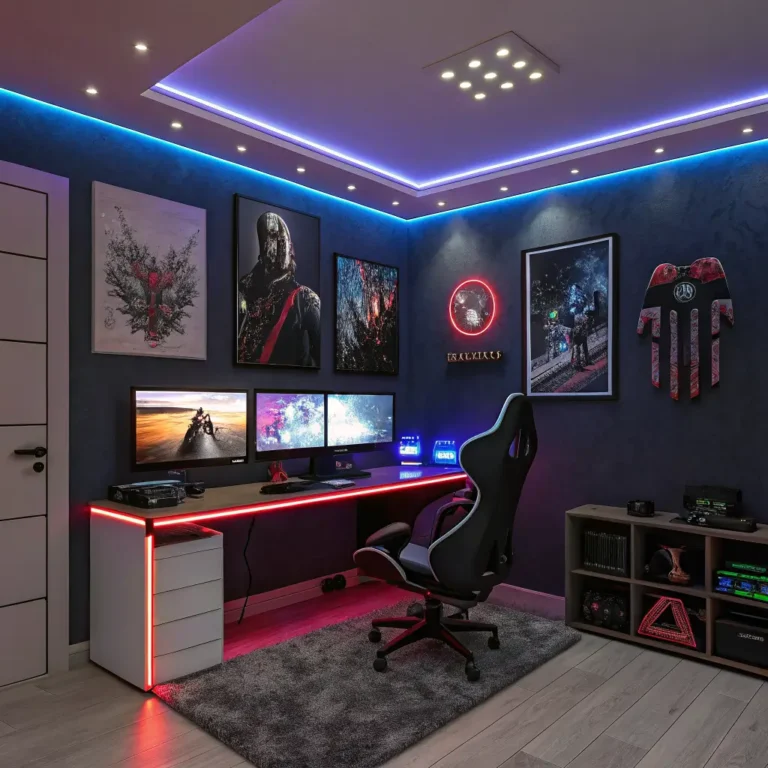
3. Luxury Dark Theme Game Room Aesthetic
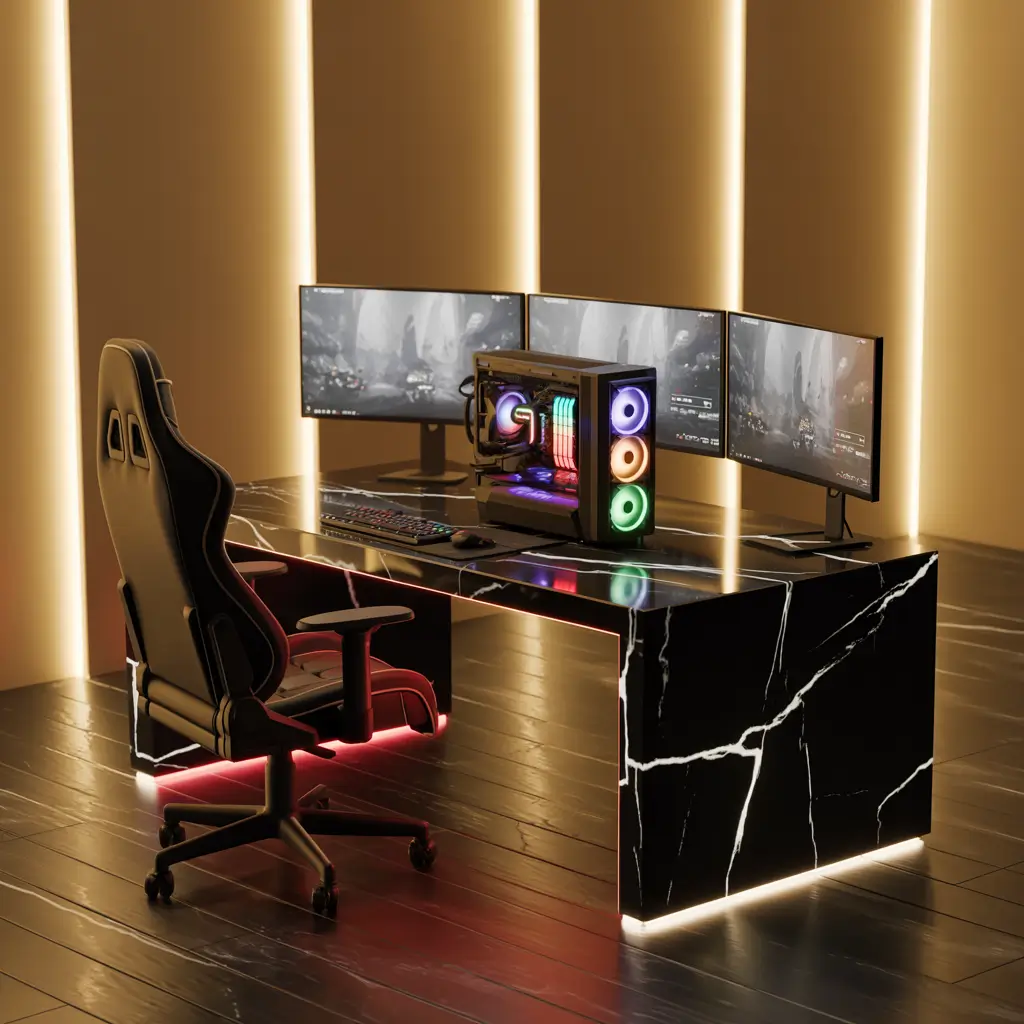
When Money Meets Midnight Vibes
Okay, let’s talk about going full luxury with a dark theme setup. This is for when you want your gaming room to feel like a high-end private club where the dress code is “comfy clothes and good vibes only.”
The foundation of any luxury dark setup is quality materials and thoughtful lighting. I’m talking rich wooden desks, leather gaming chairs that don’t look like they escaped from a spaceship, and lighting that creates atmosphere rather than just illumination.
Luxury dark theme essentials:
- Dark wood or black metal desk with premium finishes
- High-end gaming chair in leather or quality fabric
- Multiple lighting layers (ambient, task, and accent lighting)
- Premium sound system or high-end headphones
- Quality artwork or framed gaming memorabilia
The lighting game is crucial here. You want enough light to see what you’re doing without destroying the moody atmosphere. Consider warm-toned LED strips, table lamps with dimmer switches, and maybe some accent lighting behind artwork.
One mistake I see people make with dark themes? Going too dark and creating a cave-like environment that’s actually depressing to spend time in. The goal is sophisticated darkness, not “vampire avoiding sunlight” darkness.
Also Read: 10 Magical Halloween Balcony Decor Ideas Cozy Glow
4. Budget-Friendly DIY Gaming Room Setup
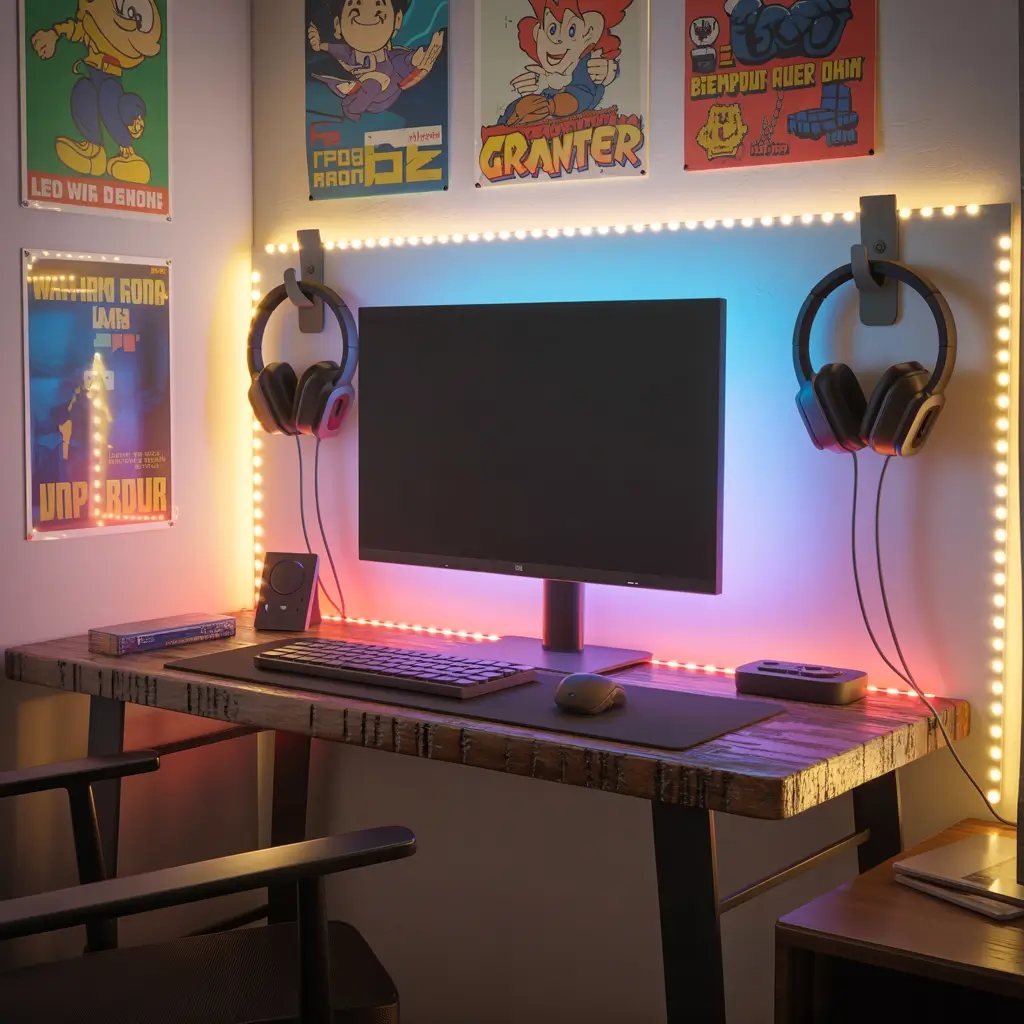
Champagne Taste, Beer Budget Solutions
Let’s be real – not everyone can drop thousands on a gaming setup, and honestly, you don’t need to. Some of my favorite gaming spaces were built on creativity and elbow grease rather than credit card debt.
DIY doesn’t mean cheap-looking if you approach it strategically. The key is identifying what you can make yourself versus what you should buy. Cable management solutions? Totally DIY-able with some adhesive hooks and zip ties. A custom desk? Maybe not your first project unless you’re already handy with tools.
Budget-friendly game-changers:
- IKEA desk hacks (seriously, their kitchen countertops make great desks)
- DIY LED lighting solutions
- Repurposed furniture as storage solutions
- Homemade acoustic panels for better sound
- Creative cable management using everyday items
The IKEA hack approach has saved me hundreds over the years. Their Karlby countertops paired with Alex drawers create a setup that looks custom but costs a fraction of “gaming” furniture. Plus, you get storage built right in.
For lighting, those adhesive LED strips you can find online work amazingly well when properly installed. The trick is taking time to plan your cable routes and investing in a few dollars worth of cable management supplies.
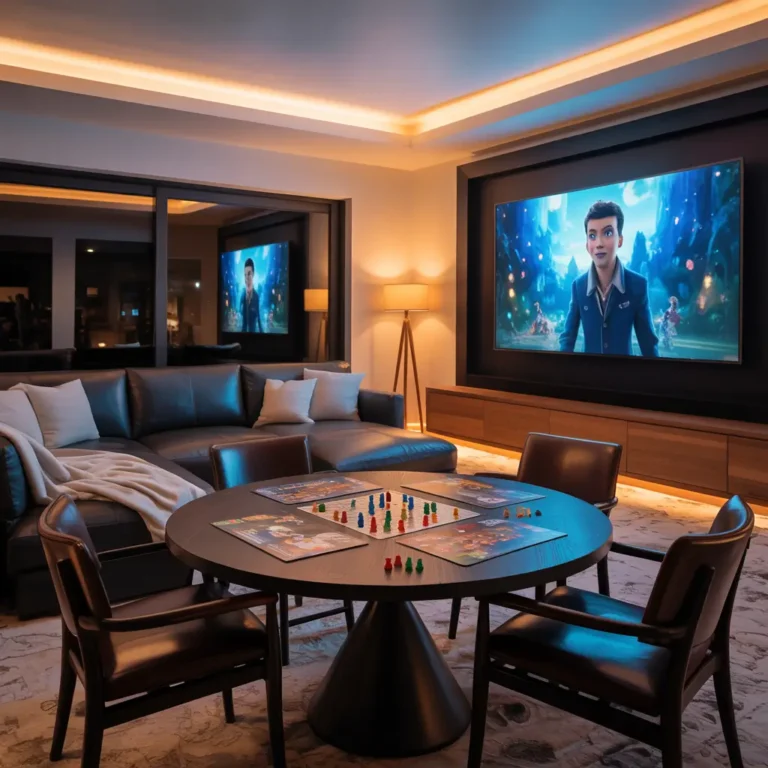
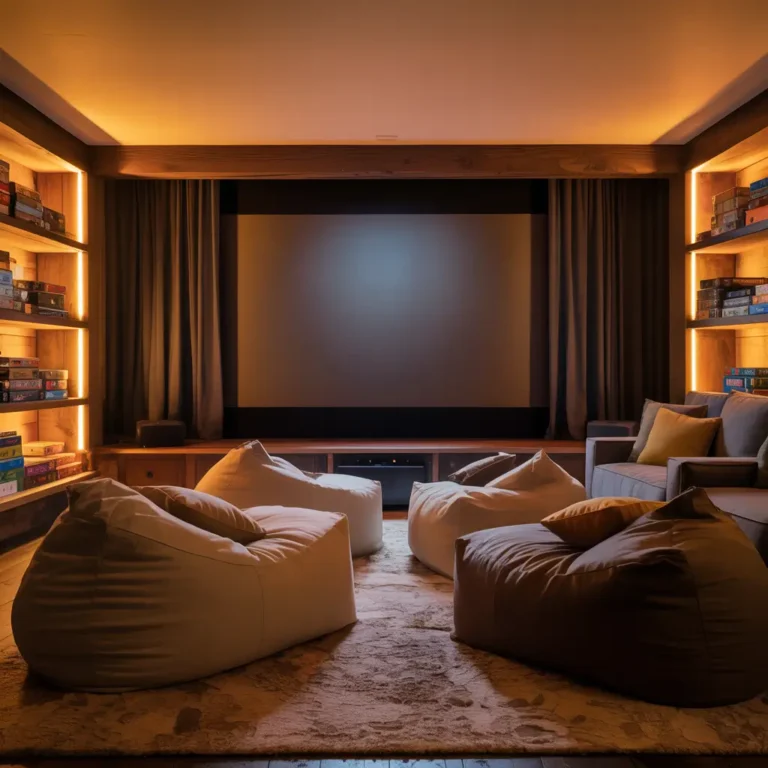
5. Cozy LED Ambient Console Gaming Space
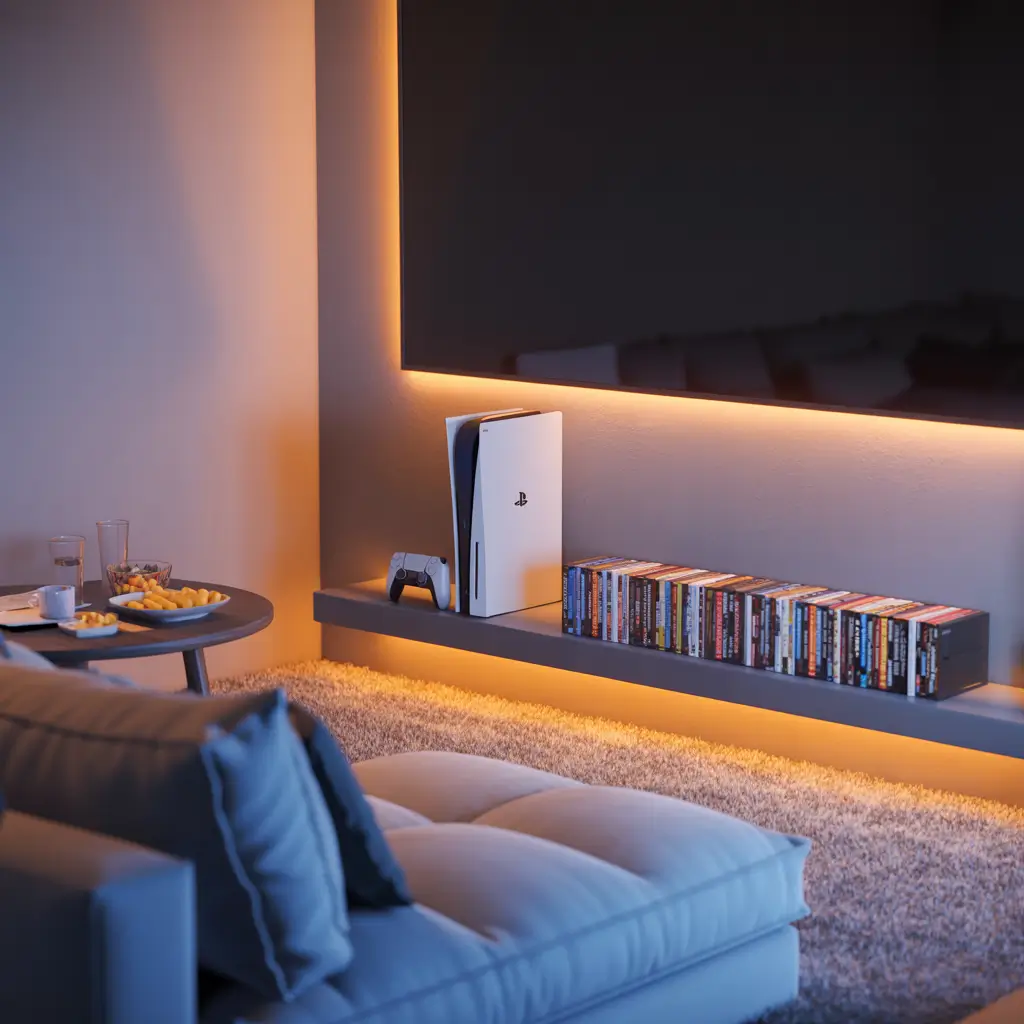
The Living Room Gaming Revolution
Console gaming deserves better than just plopping down on a random couch facing a wall-mounted TV. Creating a dedicated console gaming space transforms your casual gaming into an immersive experience that rival any PC setup.
The magic word here is ambient lighting. Console gaming often happens in darker environments, so your lighting needs to enhance the experience rather than compete with your screen. I’ve found that bias lighting behind the TV reduces eye strain while colored ambient lighting can actually make games feel more immersive.
Console gaming space essentials:
- Comfortable seating positioned at optimal viewing distance
- Bias lighting behind the TV to reduce eye strain
- Storage solutions for controllers, games, and accessories
- Sound system or quality headphones
- Side tables for snacks and drinks (because priorities)
Seating is everything in console gaming. You’re going to spend hours in whatever chair or couch you choose, so comfort trumps style every time. However, you can definitely find options that nail both.
The ambient lighting setup I recommend involves LED strips behind your TV (white for eye strain relief) and some colored accent lighting around the room that you can adjust based on what you’re playing. Racing game? Maybe some blue accents. Horror game? Dim red lighting to set the mood.
6. Futuristic Cyberpunk Gaming Room Design
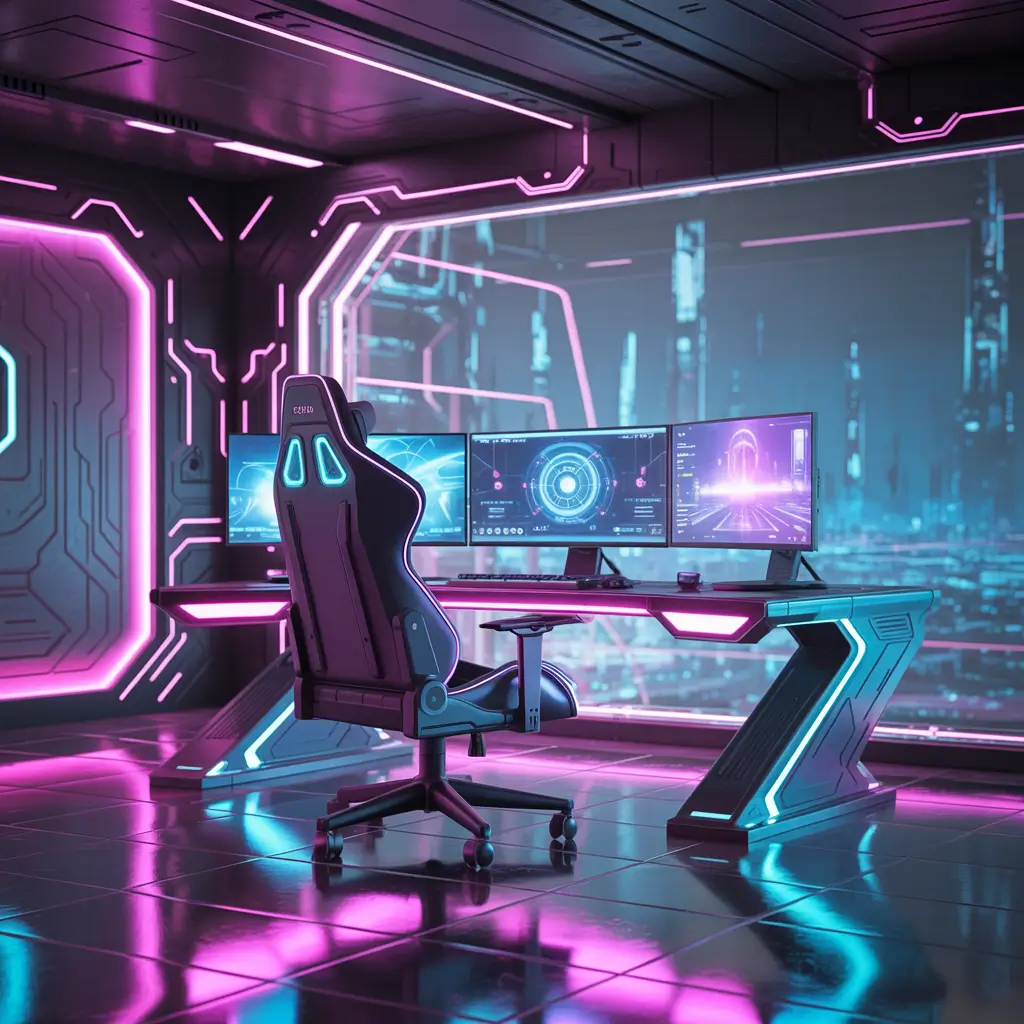
Welcome to 2077
If you’ve ever wanted your gaming space to look like it belongs in Blade Runner, cyberpunk design is your ticket to the future. This aesthetic is all about high-tech meets urban decay, with plenty of neon, exposed cables (done intentionally), and industrial elements.
The cyberpunk look thrives on contrast – sleek technology against rough textures, bright neon against dark surfaces, and clean lines mixed with deliberately chaotic elements. It’s organized chaos at its finest.
Cyberpunk design elements:
- Exposed brick or concrete walls (or wallpaper that mimics them)
- Neon lighting in cyan, magenta, and electric blue
- Industrial furniture pieces
- Exposed cables and tech as design elements
- Dark color palette with bright accent colors
The lighting in cyberpunk setups is where you can really go wild. Multiple colored LED strips, neon signs, and even some practical lighting that looks industrial all contribute to the aesthetic. The goal is to create dramatic shadows and bright highlights.
IMO, the best cyberpunk setups tell a story. Maybe your desk looks like a hacker’s workstation, or your shelves display tech that looks like it could interface with the matrix. The key is committing to the theme while keeping everything functional.
Also Read: 10 Amazing Simple Balcony Decor Budget Friendly Vibes
7. Clean White Minimalist Gamer Setup
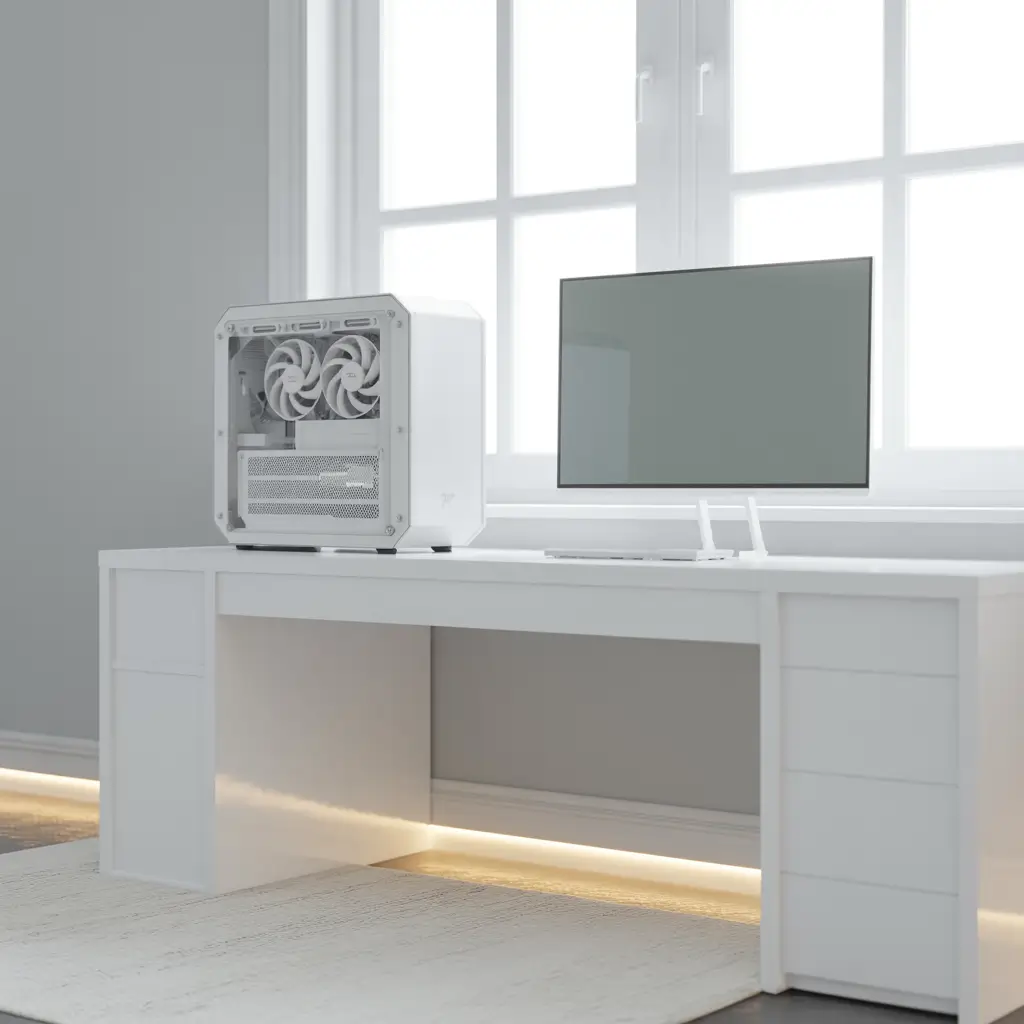
Less is Actually More
There’s something incredibly satisfying about a clean, white minimalist gaming setup. It’s the antithesis of the typical gamer cave, and honestly, it can be pretty refreshing. Plus, a minimalist approach forces you to be intentional about every item in your space.
The challenge with white minimalist setups is keeping them clean and uncluttered. Every cable, every fingerprint, every speck of dust shows up against white surfaces. But when done right, these setups look absolutely stunning and create a calming environment that can actually improve your focus.
White minimalist essentials:
- White or light-colored furniture with clean lines
- Minimal cable visibility (serious cable management required)
- Limited color palette (whites, grays, maybe one accent color)
- Clean, uncluttered surfaces
- Strategic storage to hide necessary clutter
Cable management is non-negotiable in minimalist setups. Every visible cable breaks the clean aesthetic, so invest in proper cable management solutions. Under-desk cable trays, cable sleeves, and strategic routing are your best friends.
The psychological benefits of minimalist gaming spaces are real. Without visual clutter competing for your attention, you can focus better on your games. Plus, cleaning and maintaining the space becomes much easier when there’s less stuff to deal with.
8. Dual Monitor Pro Streaming Game Room
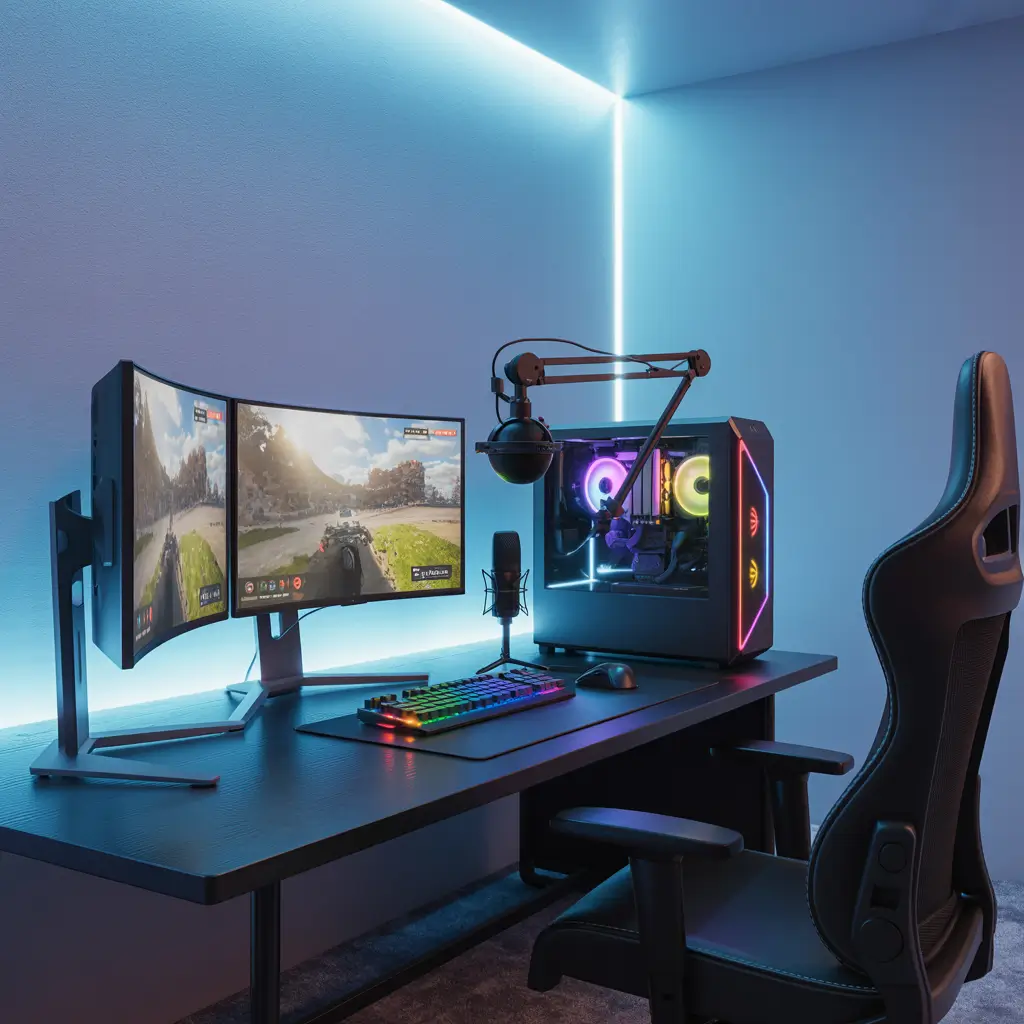
Content Creation Command Center
Streaming and content creation demand a completely different approach to gaming room design. You’re not just creating a space for yourself – you’re building a set that thousands of people might see. No pressure, right? :/
The dual monitor setup is essential for streaming. One monitor for gaming, one for managing your stream, chat, and various streaming software. But the setup goes way beyond just having two screens – you need to think about lighting, background, audio quality, and viewer experience.
Streaming setup requirements:
- Primary gaming monitor and secondary management monitor
- Professional lighting setup (key light, fill light, background lighting)
- Quality microphone on boom arm or stand
- Camera positioning for optimal angles
- Clean, interesting background that’s not distracting
- Sound treatment for better audio quality
Lighting for streaming requires more thought than lighting for personal use. You need consistent, flattering lighting on your face while maintaining good visibility of your gaming setup. Ring lights are popular, but a proper key light and fill light setup will look much more professional.
The background is crucial for streaming. You want something interesting enough to look professional but not so busy that it distracts from you or your gameplay. Many streamers go with LED panel walls, simple shelving with collectibles, or even just a clean wall with good lighting.
9. Attic Loft Gaming Room Transformation
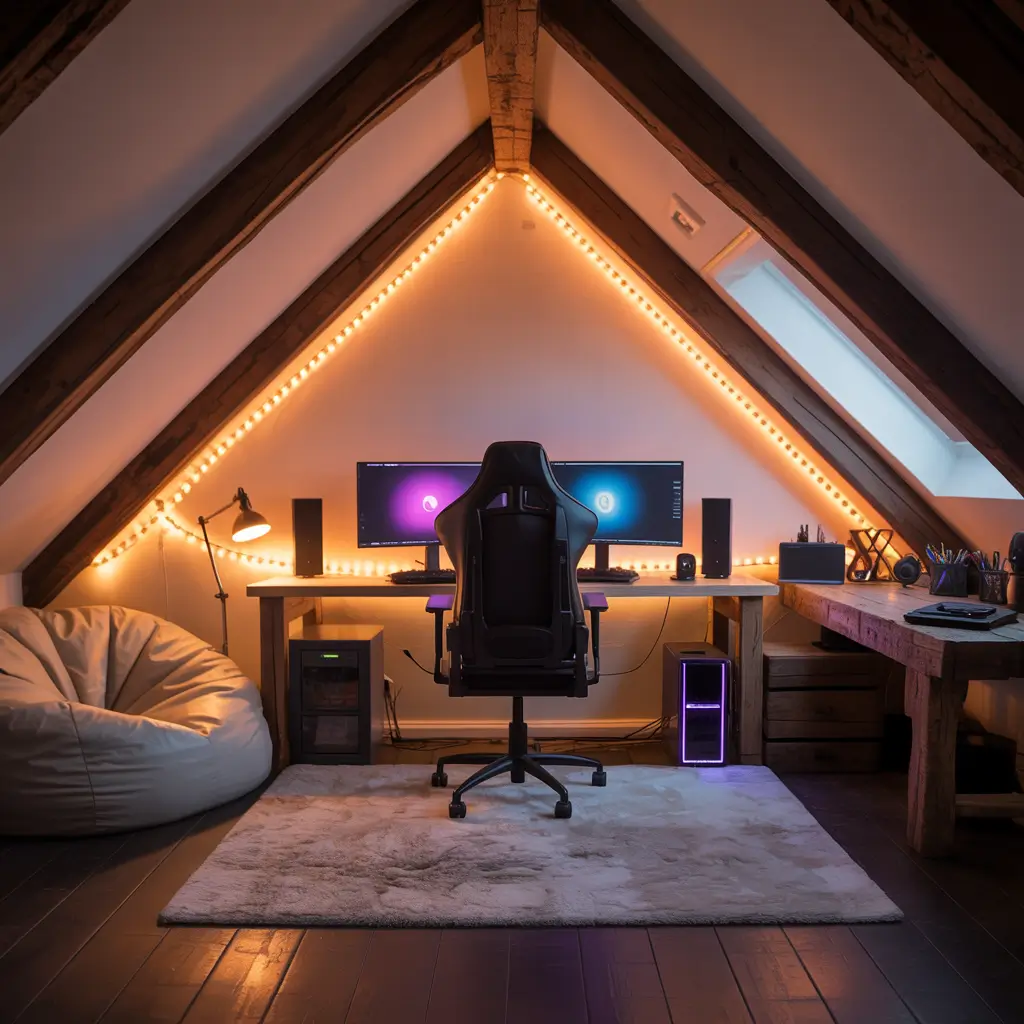
Turning Dead Space into Gaming Paradise
Attic spaces are goldmines for gaming rooms if you can work around their quirks. The slanted ceilings, weird angles, and potential temperature issues might seem like obstacles, but they’re actually opportunities to create something unique and cozy.
I helped a friend transform his attic into a gaming loft, and the biggest challenges were lighting, ventilation, and working with the slope of the roof. But once we figured those out, the space had character that no basement or spare bedroom could match.
Attic gaming room considerations:
- Proper insulation and ventilation for year-round comfort
- Creative furniture solutions for slanted ceilings
- Strategic lighting to combat naturally darker spaces
- Cable routing that works with unusual angles
- Storage solutions that maximize odd-shaped spaces
The slanted ceiling can actually work in your favor for certain setups. Lower sections are perfect for desk areas since you’re sitting anyway, while taller sections can house standing storage or entertainment areas.
Temperature control is crucial in attic spaces. Gaming equipment generates heat, and attics can already be temperature-challenged. Make sure you have proper ventilation and maybe a dedicated mini-split system if your main HVAC doesn’t reach the space effectively.
Also Read: 10 Beautiful Balcony Decor Ideas for Apartments Dream Space
10. Wall-Mounted Space Saving Gaming Setup
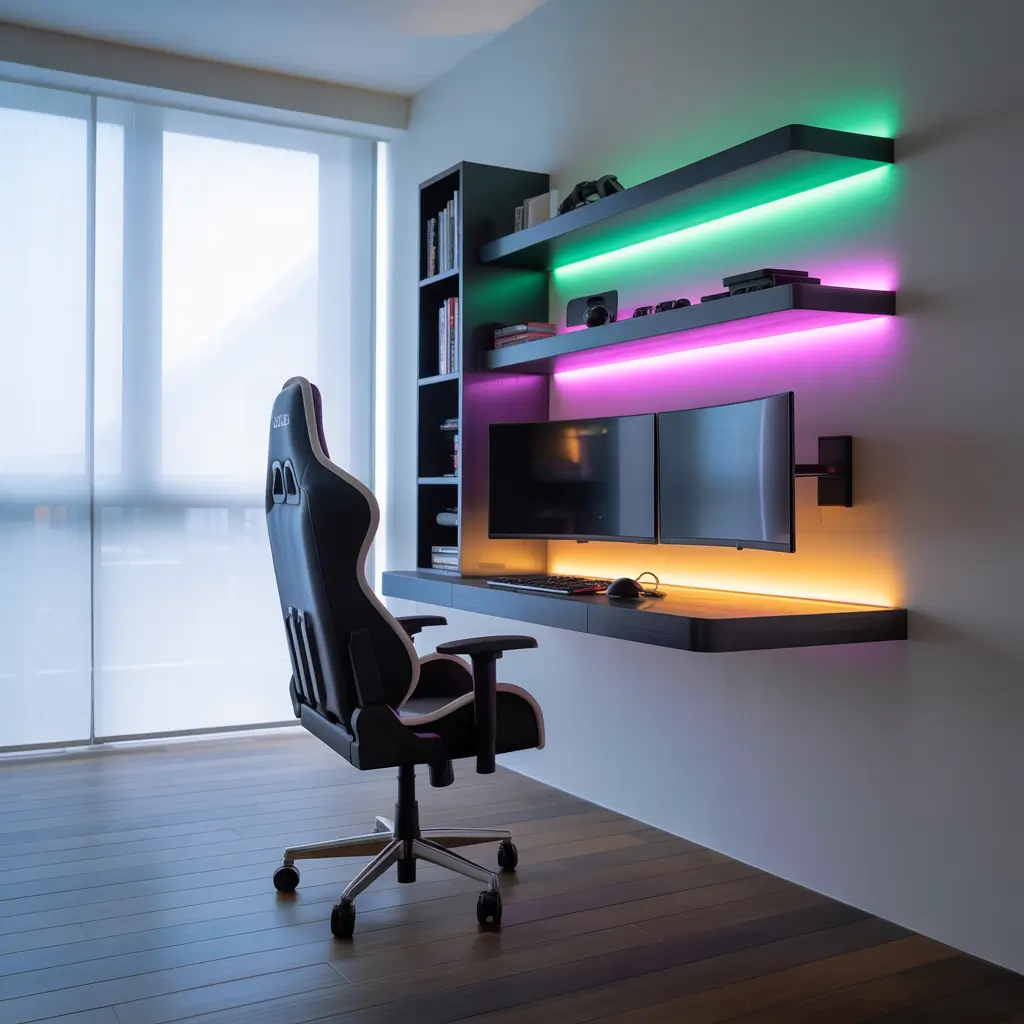
When Floor Space is Premium Real Estate
Wall-mounted gaming setups are the ultimate space-saving solution, and they can look absolutely incredible when done right. I’m not talking about just hanging a TV on the wall – I mean a fully integrated wall-mounted system that maximizes every inch of vertical space.
The key to successful wall-mounted setups is proper planning and quality mounting hardware. You’re essentially building furniture on your wall, so everything needs to be properly supported and thoughtfully arranged.
Wall-mounted setup components:
- Floating desk or wall-mounted desk surface
- Monitor arms attached directly to wall
- Wall-mounted storage for peripherals and games
- Integrated cable management systems
- Proper wall anchoring for all components
Load distribution is critical when mounting gaming equipment. Your wall needs to handle not just the weight of your equipment but also the dynamic loads from typing, mouse movement, and general use. Always use appropriate anchors for your wall type and distribute weight across multiple mounting points.
The aesthetic possibilities with wall-mounted setups are endless. You can create clean, floating designs that look like they’re defying gravity, or industrial looks with visible mounting hardware as design elements. The choice is yours, but make sure function doesn’t get sacrificed for style.
Bringing It All Together
After experimenting with dozens of gaming room configurations over the years, here’s what I’ve learned: the best gaming room is the one that makes you excited to spend time there. Whether that’s a minimalist white setup that helps you focus or a cyberpunk paradise that makes you feel like you’re living in the future, the right design is deeply personal.
The common threads among all successful gaming rooms are thoughtful planning, proper lighting, effective cable management, and comfortable ergonomics. These fundamentals matter more than any specific aesthetic choice.
Don’t feel pressured to recreate someone else’s setup exactly. Take inspiration from these ideas, mix and match elements that appeal to you, and create something that’s uniquely yours. Your gaming room should reflect your personality and support your gaming habits, not just look good in photos.
The most important thing? Start somewhere and iterate. Every amazing gaming room started as a work in progress, and the best ones continue evolving as technology changes and preferences develop. Build something you love today, and don’t be afraid to change it tomorrow.
Now stop reading about gaming rooms and go create your own legendary space!